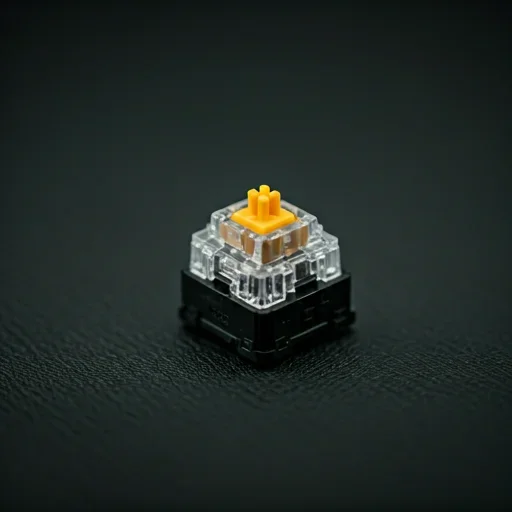
Automate Keyboard Inputs on Your Computer

Automate repetitive keyboard inputs with precise timing and full control.
Auto Key Presser for PC is a lightweight auto keyboard presser designed for games, productivity tasks, and continuous keyboard automation.

Response Time

0.001ms

PC Compatibility

Auto Key Presser works on most modern Windows-based PCs, delivering stable, consistent performance.

Supported environments:

  • Windows 7, Windows 8, Windows 10, Windows 11
  • Desktop and laptop PCs
  • Compatible with standard keyboard input devices

How to Use Auto Key Presser on PC

Download the Application

Download the official Auto Key Presser for PC from our website.

Launch the Program

Open the application directly. No installation wizard or account registration required.

Select Keys and Set Intervals

Choose the keyboard key or key combination and define the keypress interval.

Start or Stop Automation

Activate automatic keyboard input and stop the automation at any time using hotkeys.

Enjoy Automated Key Pressing

Let the automatic keyboard presser handle repetitive keyboard tasks while you focus on other work or gameplay.

Key Features

Feature Description
Automatic Key Pressing Automates repetitive keyboard inputs using a fast and reliable auto key presser.
Adjustable Keypress Speed Set custom timing intervals to control the speed of automated keystrokes.
Lightweight & Efficient Minimal System resource usage ensures smooth keyboard automation.
Easy Start/Stop Control Start or stop the auto keypress automation instantly with hotkeys.
No Installation Required Portable application that runs instantly without complicated setup.
Safe & Secure 100% malware-free with no personal data collection.
Ad-Free Experience Clean interface with no ads or bundled software.

Download Auto Key Presser for PC

Start automated keyboard input in seconds with a lightweight and reliable auto keyboard presser.