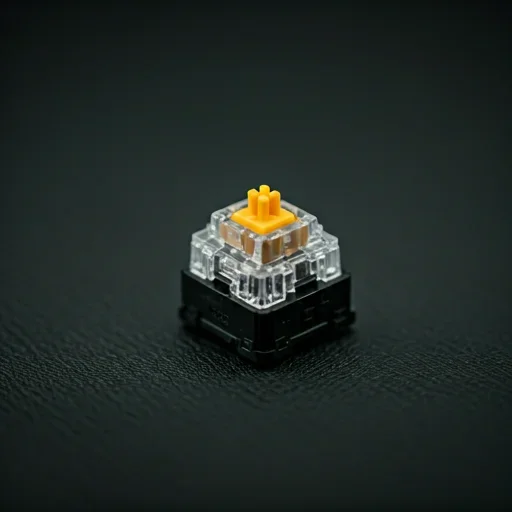
Automate repetitive keyboard inputs on your Chromebook with precision and full control.
Auto Key Presser is a lightweight auto keyboard presser that runs only when you launch it and requires no registration, installation, or background services.
0.001ms
Auto Key Presser works smoothly on most Chromebook devices, including those in browser-based environments and on Chrome OS-supported systems.
Supported platforms:
Get the official Auto Key Presser software from the website.
Open the keyboard presser tool directly without installation or account creation.
Set the timing between each automatic key press to match your workflow or gameplay needs.
Control your auto keypress automation anytime using simple start and stop commands.
| Feature | Description |
|---|---|
| Web-Based Keyboard Automation | Run the auto keyboard presser directly within browser-based Chromebook environments without installation. |
| Adjustable Key Press Speed | Configure how frequently keys are pressed, from slow intervals to rapid auto keypress automation. |
| Lightweight & Efficient | Minimal resource usage ensures the keyboard presser tool runs smoothly on Chromebook devices. |
| Safe & Secure | 100% malware-free with no background processes or modification of system files. |
| Chrome OS Compatibility | Fully compatible with Chrome OS laptops and browser-based environments. |
| No Forced Updates | Continue using the automatic keyboard presser without interruptions or automatic installations. |
| Ad-Free Experience | Focus on tasks without ads interfering with your automation. |
Automate repetitive keyboard inputs on your Chromebook quickly and safely using a reliable auto keyboard presser.